OperatorCanvas · Working prototype
Workflow before implementation.
Make an industrial workflow tangible before committing to the implementation.
The problem
A requirements document can describe a screen without showing how an operator will actually move through it. I wanted a way to build, simulate, and review that workflow while keeping production engineering decisions explicit.
Decisions that matter
One ordinary control model
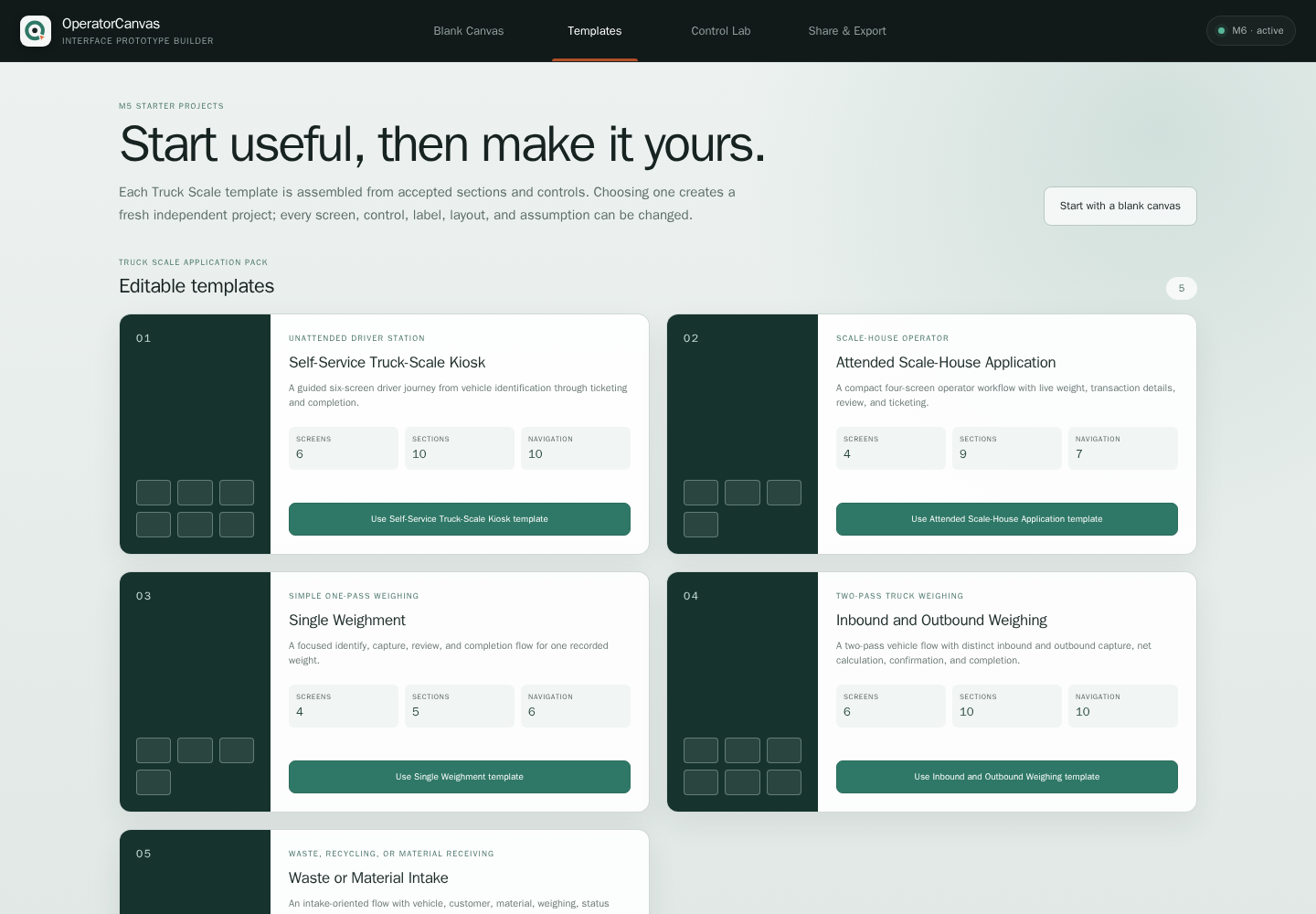
Templates and ready-made sections expand into editable controls. This avoids a second, special kind of screen that is harder to change and validate.
Simulation stays separate
Preview produces declared prototype events. It does not connect to machinery, cameras, PLCs, databases, or printers.
Keep assumptions visible
Controls can carry engineering assumptions and review flags. A convincing preview should start a better engineering conversation, not hide unfinished decisions.
Follow the workflow
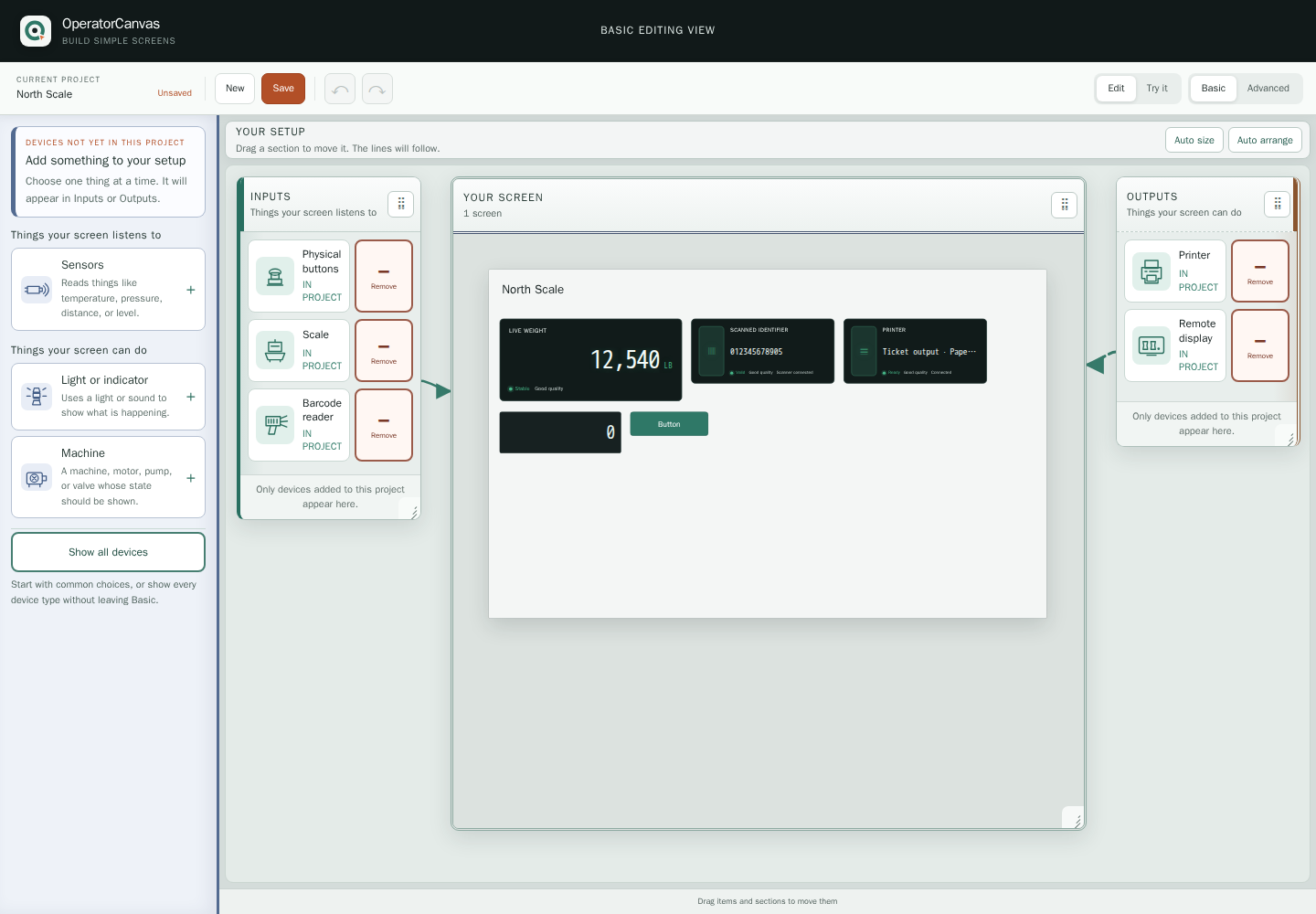
- Choose a starter workflow.
- Edit controls and their properties.
- Preview with simulated inputs.
- Review assumptions before exporting.
What is implemented
The project contains a control system, reusable sections, and five editable truck-scale templates. Its sharing/review/export slice is implemented locally; that milestone remains in progress.
Scope and current limits
A requirements and workflow prototype, not a production HMI or safety system.